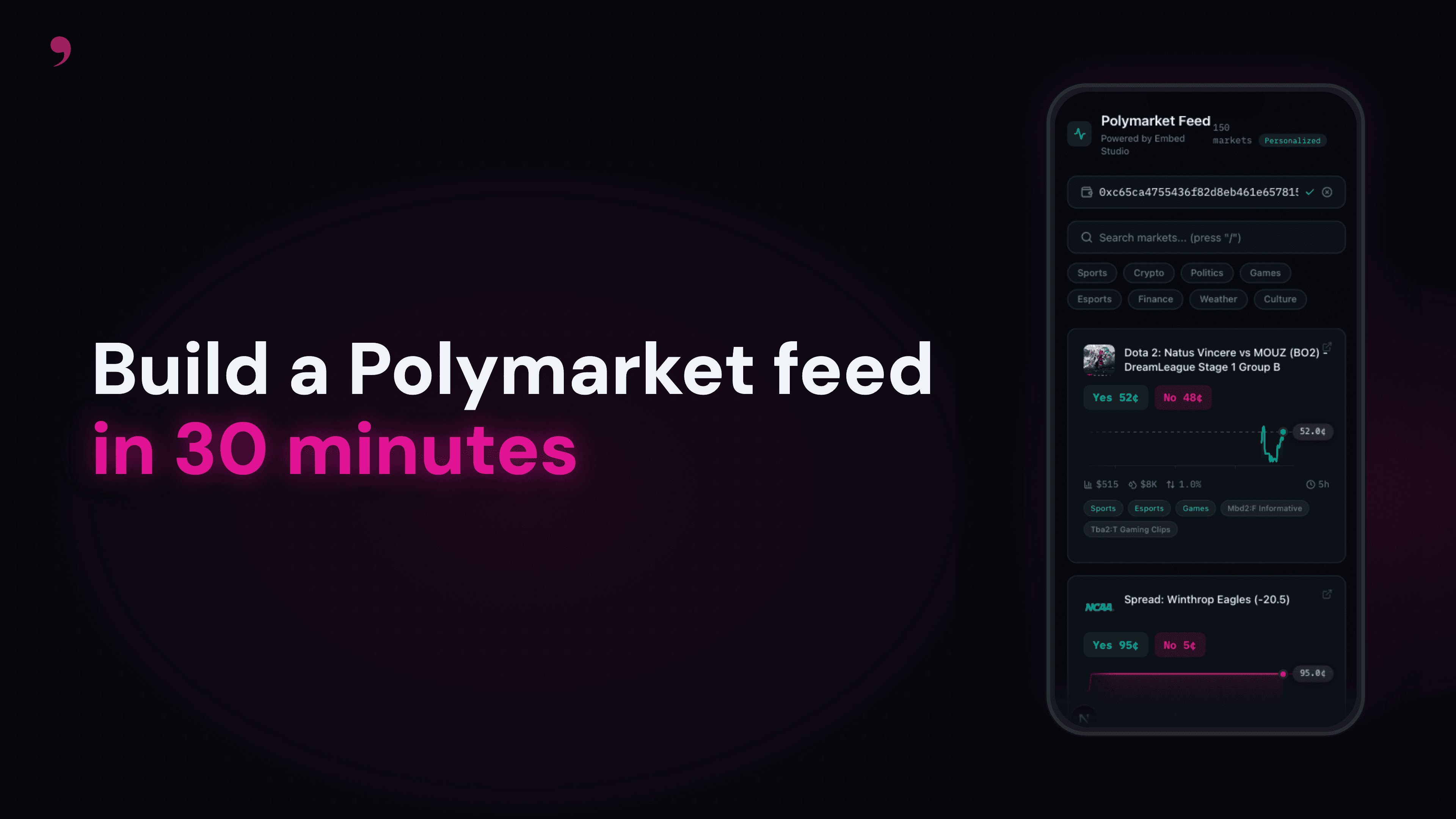
You can build a full prediction markets app by pasting a single prompt into an AI coding assistant, alongside the SDK's llms.txt reference. The prompt provides the Polymarket-specific context; llms.txt gives the LLM everything it needs about the Embed Studio SDK — search, features, scoring, and ranking out of the box.
This post walks through how the pipeline works. If you want to jump straight to building, grab the vibecoding guide and an API key from the Embed Console.
What you'll build
A dark-themed prediction markets feed that pulls live data from Polymarket. Market cards show YES/NO prices, real price charts with crosshair scrubbing, 24h volume, liquidity, spreads, AI-generated topic labels, and recent trader activity. When you enter a wallet address, the feed becomes personalized, and markets reorder based on that wallet's trading history.
The main grid is a responsive layout (1-3 columns) with search, topic filtering, sort controls, and infinite scroll. The pipeline fetches up to 100 markets (150 when personalized) upfront, then reveals them 25 at a time as you scroll, with no loading delay between pages. Each card has a Liveline sparkline showing 1 week of real price history from Polymarket's CLOB, with a synthetic fallback for markets without data.
Stack: Next.js App Router, TypeScript, Tailwind CSS 4, TanStack Query, Framer Motion, mbd-studio-sdk, liveline
The ❜embed pipeline
The core idea is a 4-stage pipeline that turns raw market data into a personalized, diverse feed. Each stage builds on the previous one, and the SDK handles the state management between them.
Search - Filter active markets by liquidity, volume, and date range. When a user types a query, semantic search (.text()) finds markets by meaning. For example, searching "AI models" returns "GPT release date", "Claude benchmarks", and "open-source AI" without any keyword hacks. When a wallet is connected and no query is active, boost results by that wallet's preferred topics and tags using groupBoost. Fetch 150 candidates to give ranking enough variety to work with.
Features - Compute ML signals for each candidate: semantic similarity to the user's interests, label matching, and recent trader bets on each market.
Scoring - Rerank candidates with a trained model that considers the full user profile and item features.
Ranking - Apply semantic diversity (MMR) so the feed isn't dominated by one topic. A crypto trader still sees crypto markets first, but with sports, politics, and science mixed in. Cluster limits prevent runs of identical subtopics.
Here's the full pipeline in code:
The createStudio helper is minimal. It just configures the SDK and sets the user context:
Every SDK call returns data that you feed into the next step with addCandidates, addFeatures, addScores, and addRanking. The SDK tracks the state internally, so features() automatically knows which candidates and user to use.
The Prompt
Each prompt in the vibecoding guide includes the complete API context, so the AI assistant has everything it needs. No tab-switching to docs.
Project + Types + SDK - Next.js scaffold, Tailwind dark theme, TypeScript types, SDK initialization, field mappers
Search & Personalization Pipeline - Semantic search for text queries, boost search with
groupBoostfor wallet personalization, ML features, scoring rerank, semantic diversity ranking with cluster limits. Topic filtering uses Polymarket'stagsfield (Sports, Crypto, Politics, etc.)UI Components + Polish - Market cards with YES/NO prices, responsive grid with infinite scroll (client-side progressive reveal), search bar with topic pills and context-aware sort (hidden when personalized or searching), wallet input, keyboard shortcuts, formatting
Price Charts - Real Polymarket CLOB price history via
liveline, with synthetic sparkline fallbackAdvanced Features (optional) - Semantic search enhancements, ranking controls, frequent values explorer
Key concepts
Three search modes
The SDK has three search modes that use different API endpoints. The SDK picks the right one automatically based on what you configure.
Filter and sort is the default. Filter by criteria, sort by a field. Good for browsing without a wallet or query:
Semantic search (.text()) finds markets by meaning using vector similarity. Use this for user search queries. It works far better than .match() for text search. Searching "AI models" returns "GPT-5 release date", "Claude benchmarks", "open-source AI". Supports .include() and .exclude() filters but NOT .sortBy() or .boost(). Minimum 5 characters; pad short queries if needed.
Boost search is for personalization. When you add .boost() filters, results are ordered by relevance score instead of a sort field. sortBy and boost are mutually exclusive, so you use one or the other.
The groupBoost call reads the wallet's top labels (label_01, label_02, ..., label_05) and applies a linearly decreasing boost. The wallet's #1 interest gets a 5x boost, #5 gets 1x. Markets matching multiple interests stack.
Key constraints:
.text(),.boost(), and.sortBy()each trigger different endpoints, so you can only use one per query.selectFields()and.includeVectors()are mutually exclusive. When you need vectors for semantic diversity downstream, skipselectFieldsFilter methods (
.term(),.numeric(), etc.) append to the last.include(),.exclude(), or.boost()context that was opened, so be careful when adding filters conditionally
Why ranking matters
After boost + scoring, you have a well-personalized list. But if a crypto trader has 15 Bitcoin markets in their top 20, the feed feels repetitive.
The ranking stage fixes this with semantic MMR (Maximal Marginal Relevance). It balances relevance against similarity to already-selected items. lambda controls the trade-off: 0.0 is pure diversity, 1.0 is pure relevance, and 0.5 is a good default.
The mix method interleaves results by percentage: 40% weight to topic relevance, 40% to user affinity, 20% to the reranking model. Then semantic diversity reshuffles to avoid clustering.
limitByField adds hard constraints: at most 2 items from the same cluster in any window of 5 consecutive results.
Pool size matters: Fetch 150 candidates instead of 25. With a small pool, heavy boosts make all results the same topic. A larger pool gives ranking enough variety to diversify across subtopics while keeping relevance high.
Price charts
Each market card shows a real price sparkline from Polymarket's public CLOB API, powered by liveline, a canvas-rendered, 60fps chart library built by Base designer Benji Taylor.
The data flow: market slug → Polymarket Gamma API (resolves to CLOB token ID) → CLOB price history (1 week, hourly fidelity) → Liveline renders the chart. Results are cached in-memory for 5 minutes.
One gotcha: the Gamma API returns clobTokenIds as a JSON string, not an array. You need to JSON.parse() it before indexing.
For markets without CLOB data (new, delisted, or slug mismatch), a synthetic sparkline is generated from the price change fields (30d → 7d → 24h → 1h → now) with deterministic jitter.
Chart color is derived from the actual visible data trend (first point vs. last point), not from priceChange24hr, because the chart shows 1 week of data and the 24hr change can contradict the weekly trend.
Get started
Vibecoding guide - The 5 prompts with full API context. Copy-paste them into Claude, Cursor, or any AI coding assistant.
Example repo - Full source code for the finished app.
❜embed Console - Sign up and grab your API key (starts with
mbd-).SDK on npm -
npm install mbd-studio-sdk
The whole build takes about 30 minutes. Each prompt has a checkpoint so you can verify the app works before moving to the next step. By prompt 3 you have a working feed; prompt 4 adds price charts and prompt 5 adds advanced features.